Capabilities and settings
The System section manages how Maverick is set up in this repository. Agents have their own page; this one covers Capabilities, Settings and the CLI reference.
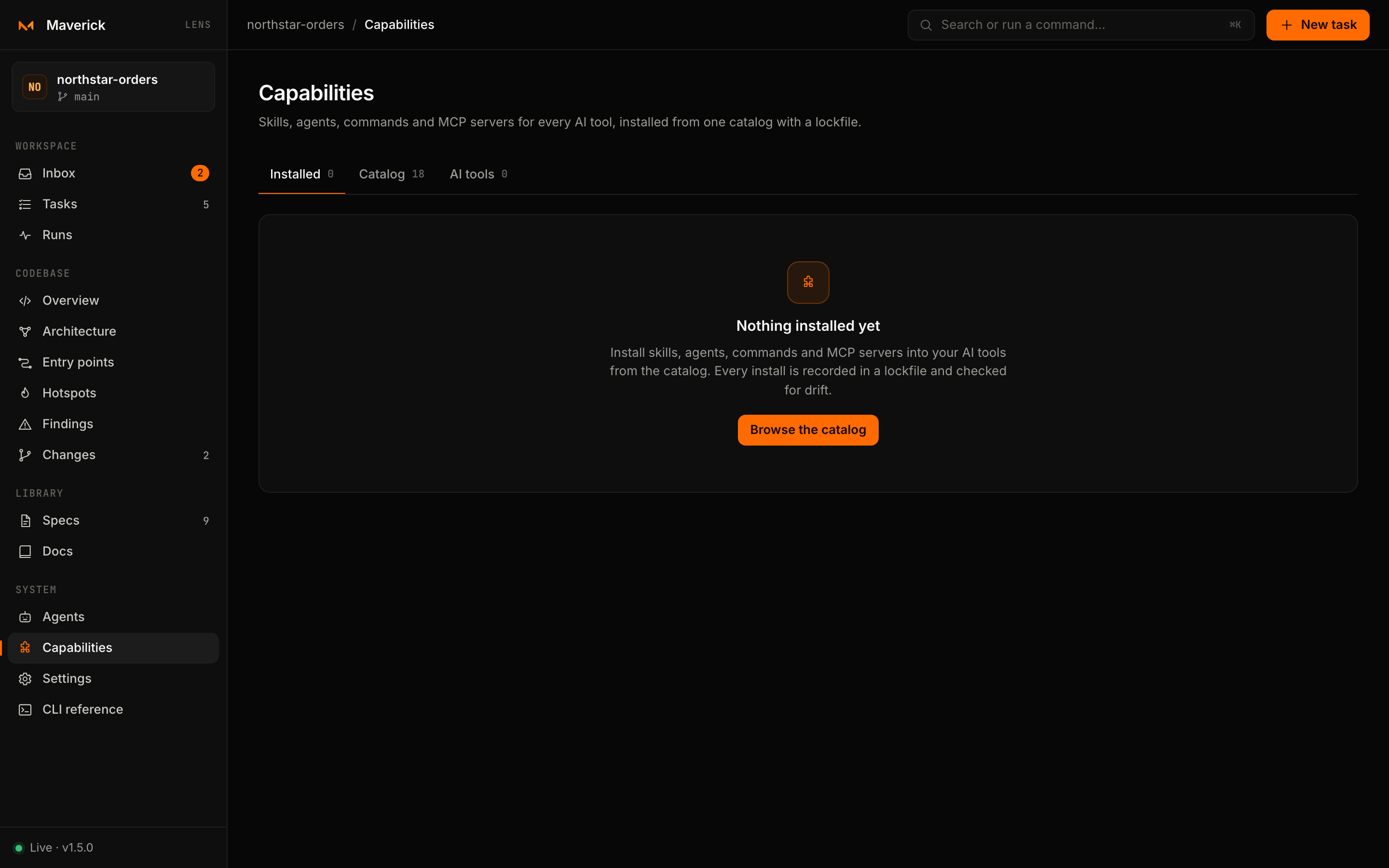
Capabilities
#/capabilities installs skills, agents, commands and MCP servers into the AI tools your repository uses, from one catalog, with a lockfile. It is a front end for maverick catalog, add, remove, installed and sync; everything it shows comes from those commands with --json.
Installed
The default tab lists what is installed, with its version, the tools it was installed into and its state. A banner appears when installed files have drifted from the lockfile (someone edited or deleted them) or when updates are available in the catalog. Sync re-applies the lockfile; Remove uninstalls one capability.
Catalog
Browse every capability, filtered by kind — Skills, Agents, Commands, MCP servers — or by text. Open one to read its description, version, source, tags and the files it writes.
Installing
- Open a capability from the catalog.
- Under Install into, tick the AI tools. Tools Lens detects in the repository are ticked for you.
- For an MCP server, read the command it starts and tick I reviewed the command above; allow it to start a local process. Without that confirmation the install is refused.
- Press Preview install.
Every change is two steps. Lens first runs the command with --dry-run and shows the plan, file by file: + create, ~ update, − delete, = unchanged. Nothing is written yet. Apply n changes runs the same command with --yes:
maverick add skill/maverick-build --to claude-code,codex --yesIf the plan would overwrite files you edited by hand, the button turns red and reads Overwrite my edits, which adds --force. Remove and Sync are previewed the same way.
Supported tools
| Tool | Where capabilities go | Detected by |
|---|---|---|
| Claude Code | .claude/ | CLAUDE.md, .claude, .mcp.json |
| OpenAI Codex | .agents/ · .codex/ | AGENTS.md, .codex, .agents |
| Cursor | .cursor/ | .cursor, .cursorrules |
| GitHub Copilot | .github/ | .github/copilot-instructions.md and agent files |
| Gemini CLI | .gemini/ | GEMINI.md, .gemini |
| Google Antigravity | .agents/ | .agents/rules and related folders |
| Windsurf / Devin Desktop | .windsurf/ | .windsurf, .windsurfrules |
| Kiro | .kiro/ | .kiro |
| OpenCode | .opencode/ | opencode.json, .opencode |
By default one copy lives in .agents/ and is linked into each tool; set capabilities.layout to copy to give each tool its own files. See Configuration.
Settings
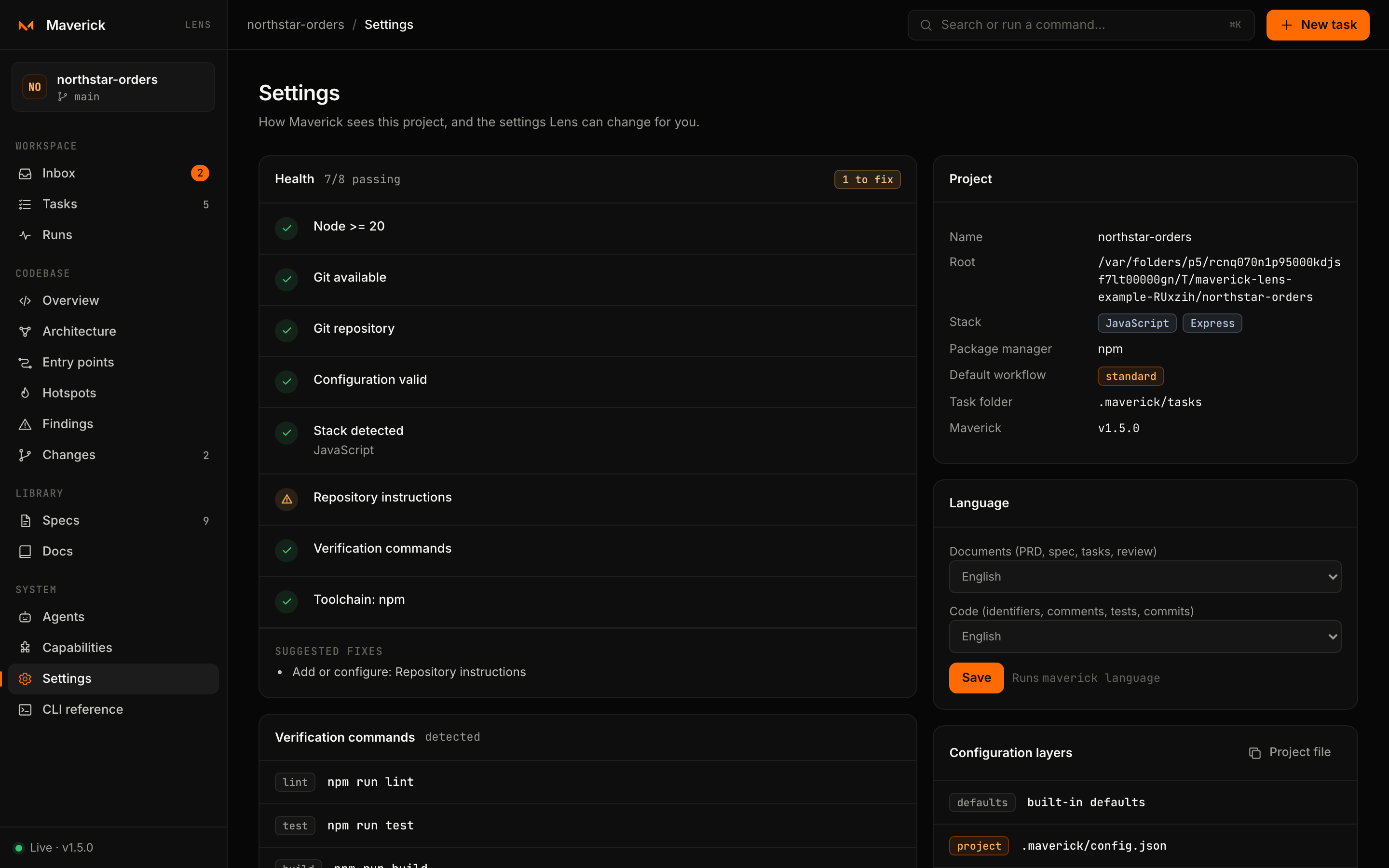
#/settings shows how Maverick sees the project and changes the few settings that are safe to change from a browser. If .maverick/config.json is invalid, a banner at the top shows the validation error.
| Card | Shows | Can change |
|---|---|---|
| Health | Every check of maverick doctor, passing or to fix, with suggested fixes | — |
| Verification commands | The commands verify and the checks gate run — from verification.commands in the configuration, or detected from the stack | — |
| Project | Name, root, detected languages and frameworks, package manager, default workflow, task folder, Maverick version | — |
| Language | The language of documents (PRD, spec, tasks, review) and of code (identifiers, comments, tests, commits): English, Português (Brasil) or Español | Save runs maverick language <docs> <code> |
| Configuration layers | Built-in defaults, the global file (~/.maverick/config.json, or $MAVERICK_HOME) and the project file, in the order they merge, plus the effective configuration | — |
| Instruction templates | The instruction file of each AI tool (CLAUDE.md, AGENTS.md, …), installed or not | Install runs maverick adapter install <tool> |
| MCP server | The command that gives any MCP client read-only access to the project | Copy |
Anything else — agent runtime, architecture rules, task root — is edited in .maverick/config.json, where it goes through code review. Lens picks the change up on the next refresh.
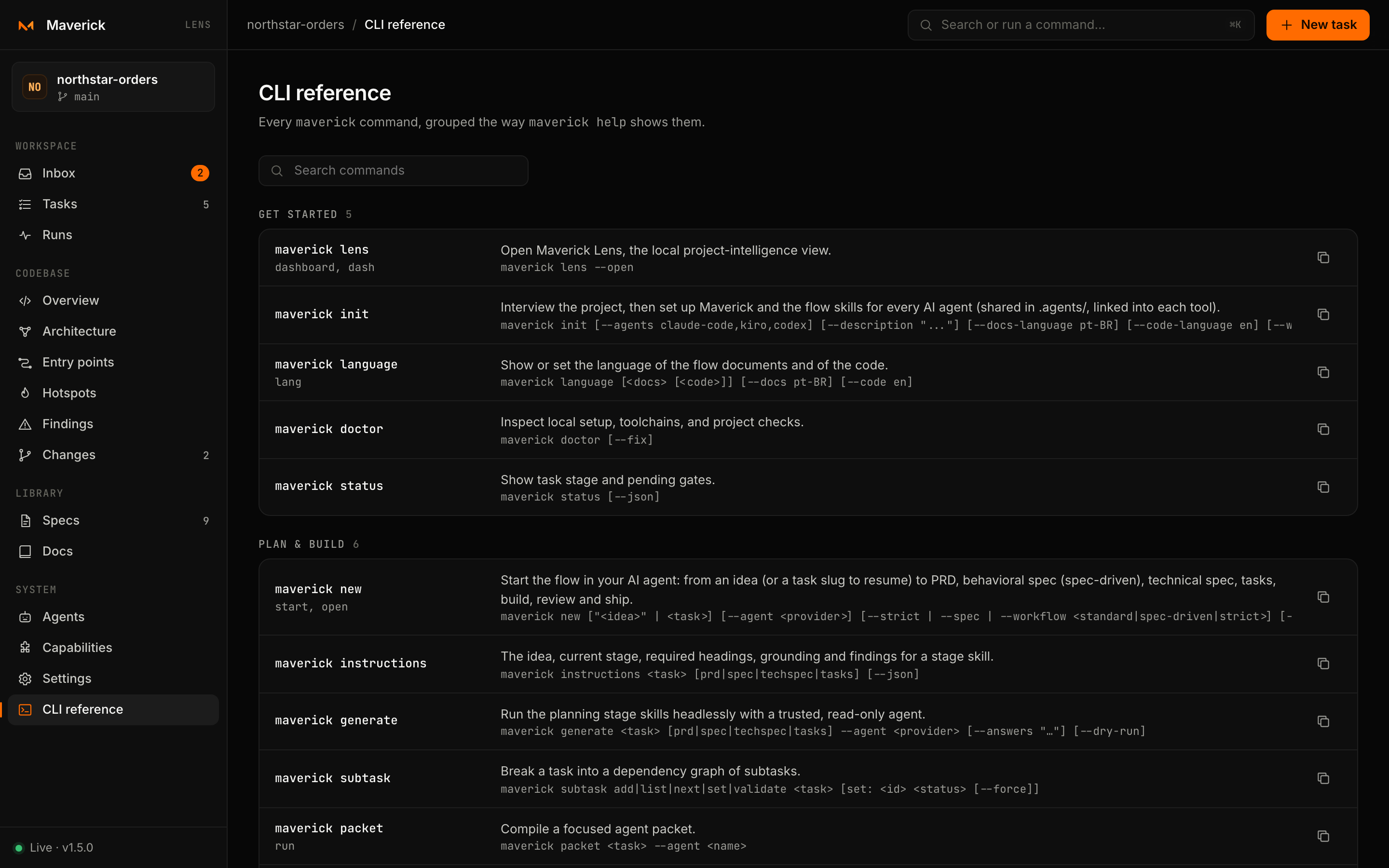
CLI reference
#/cli lists every maverick command with its aliases, description and usage, grouped the way maverick help shows them. It is generated from the same registry that routes the CLI, so it always matches the installed version. The full reference with details is on the CLI page.