
Introduction
MAVERICK LENS
Maverick Lens is a local web workspace for the repository you run it in. It reads what Maverick already knows about the project — tasks and their gates, subtask graphs, flow runs, agent transcripts, specs, docs, Git state and a static analysis of the code — and puts it in one place where you can act on it: approve a gate, start an agent on a ready subtask, run verify, read the blast radius of a change, or turn an architecture finding into a task.
npx @maverick-ai/cli lens --open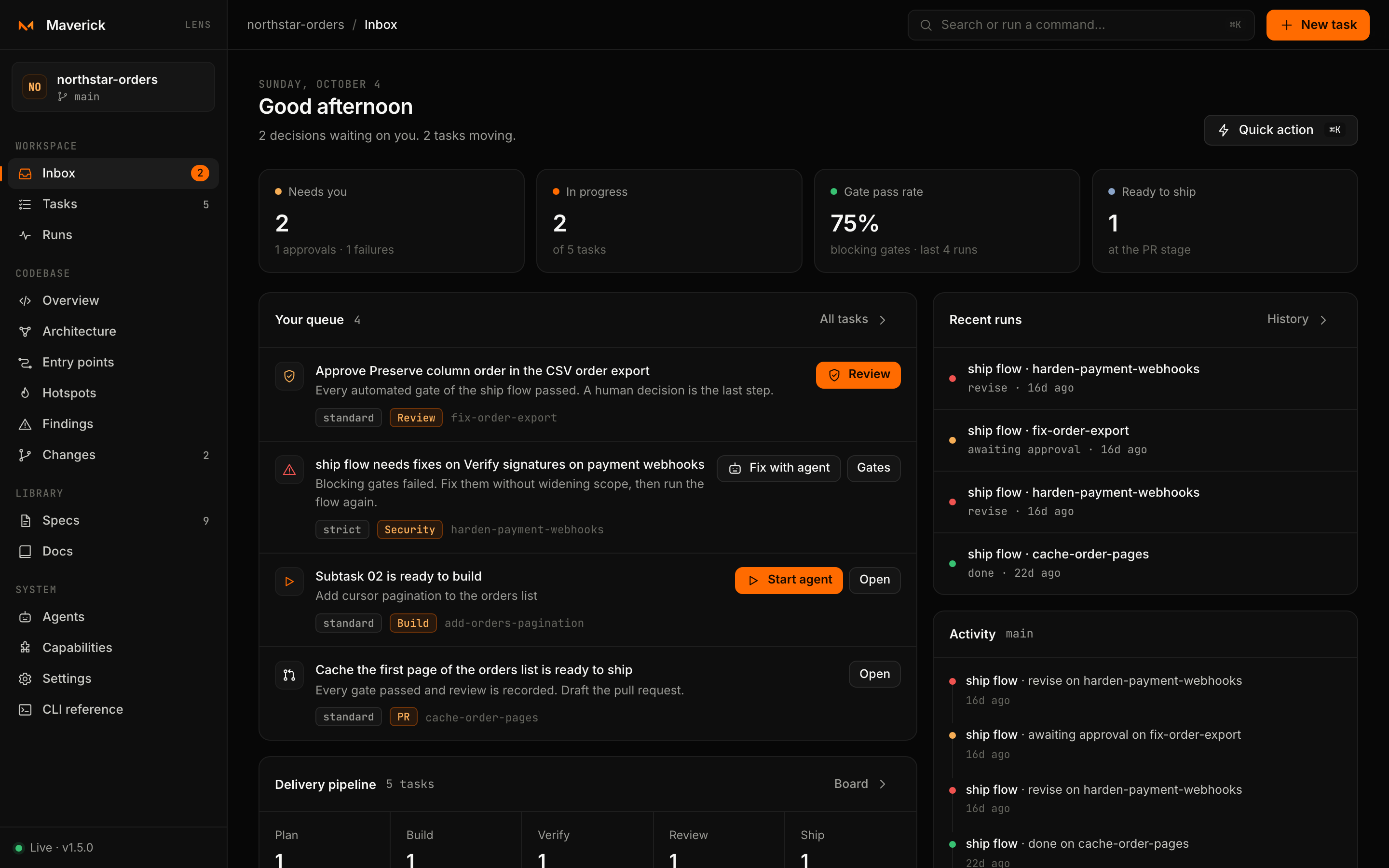
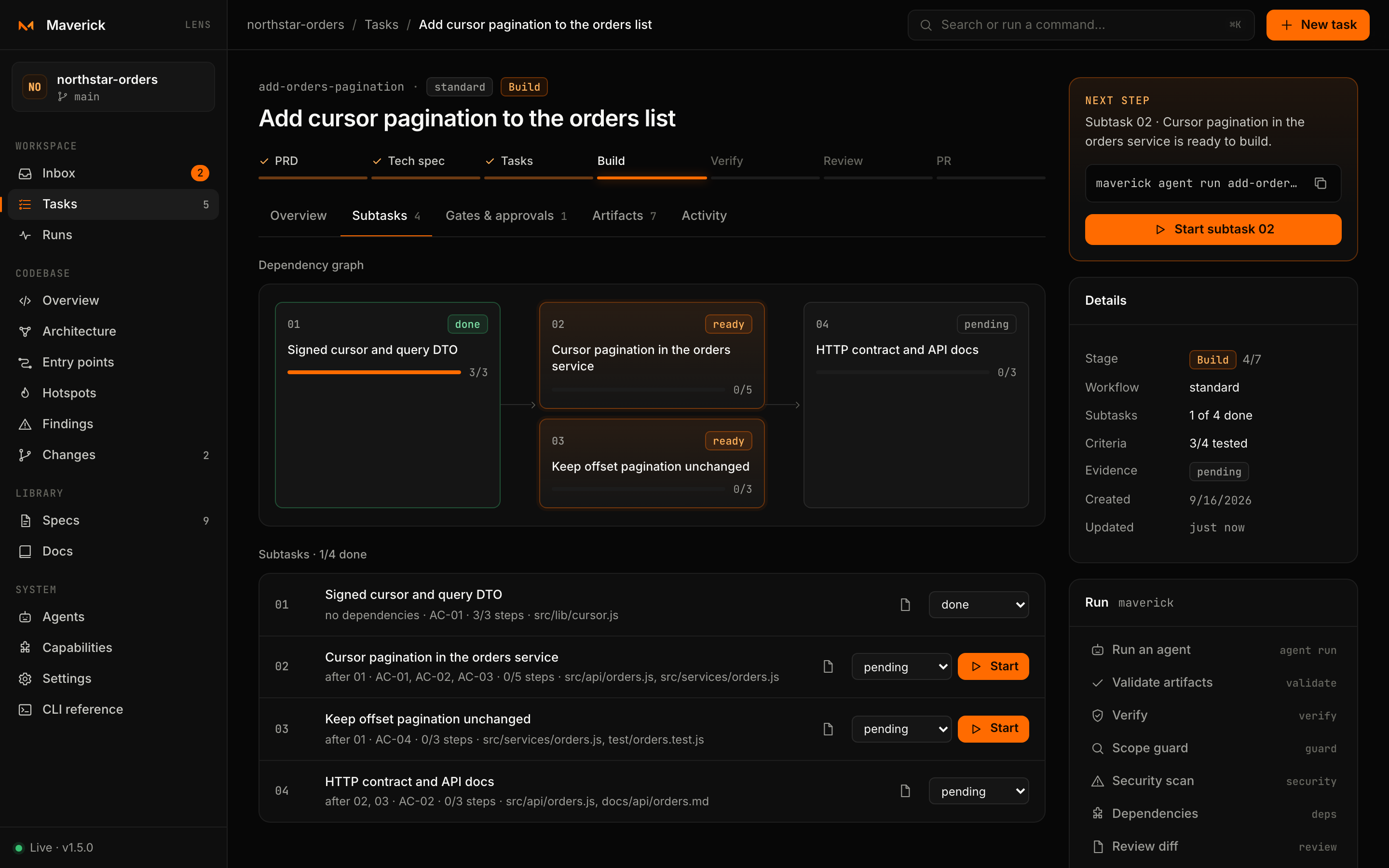
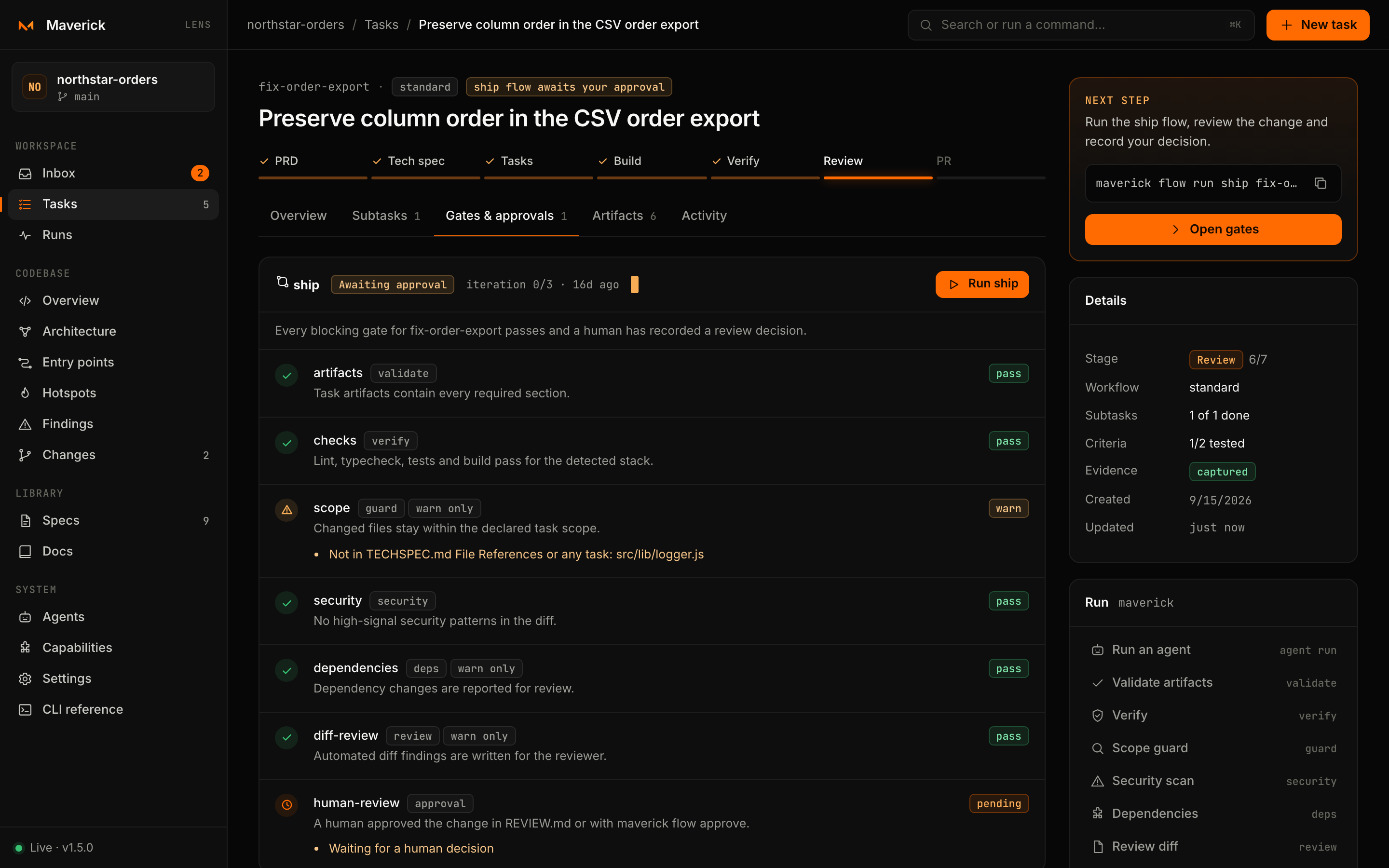
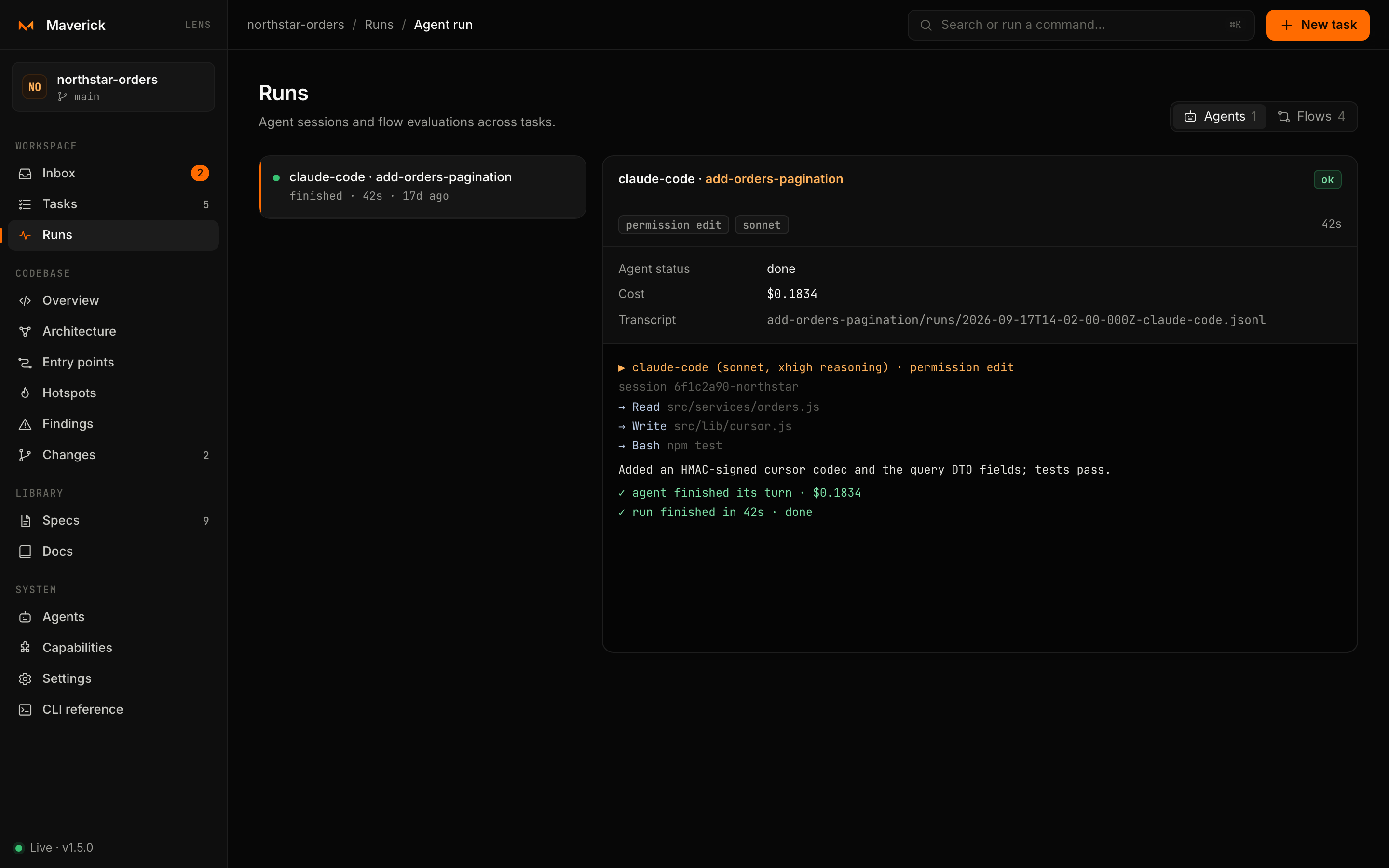
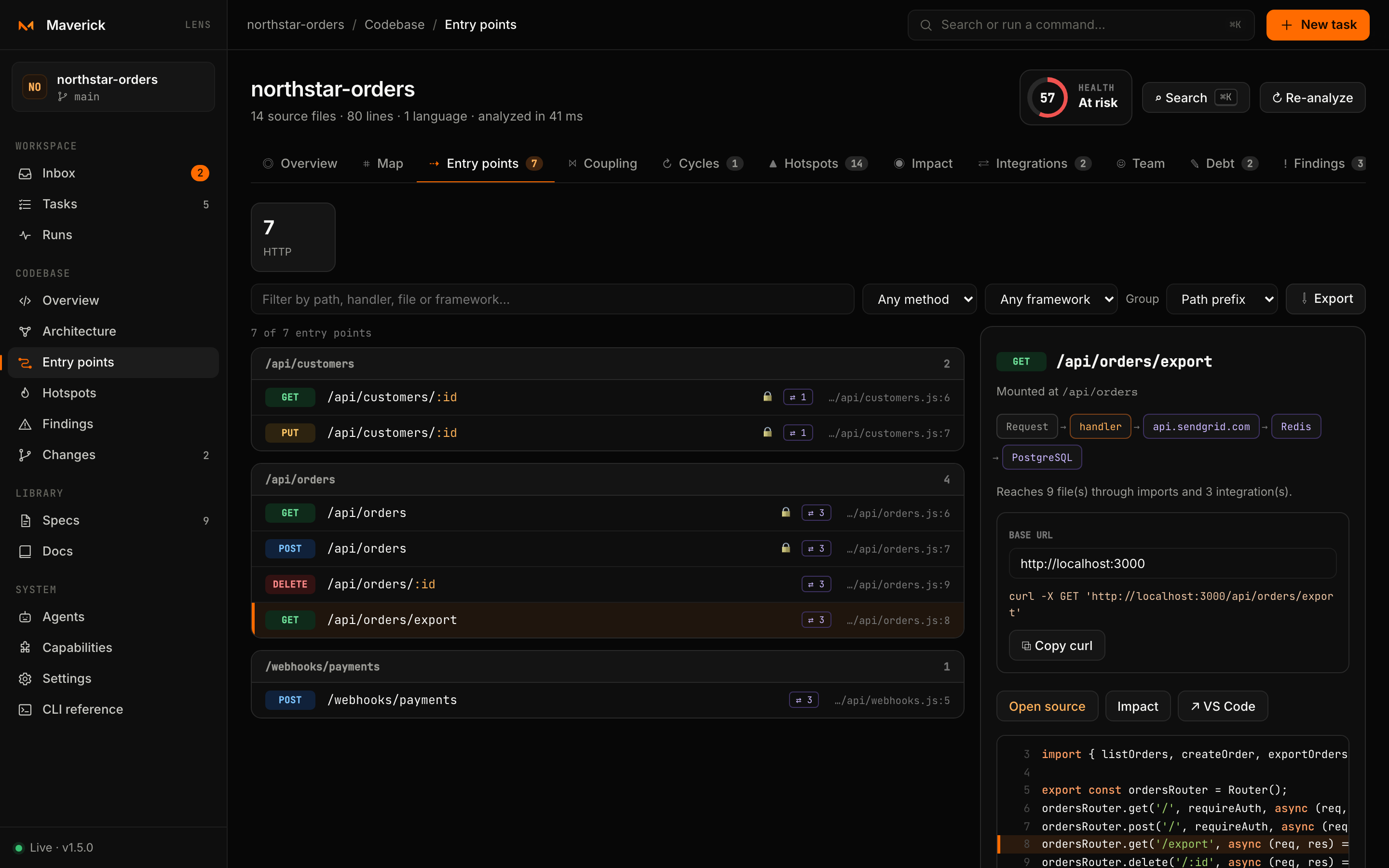
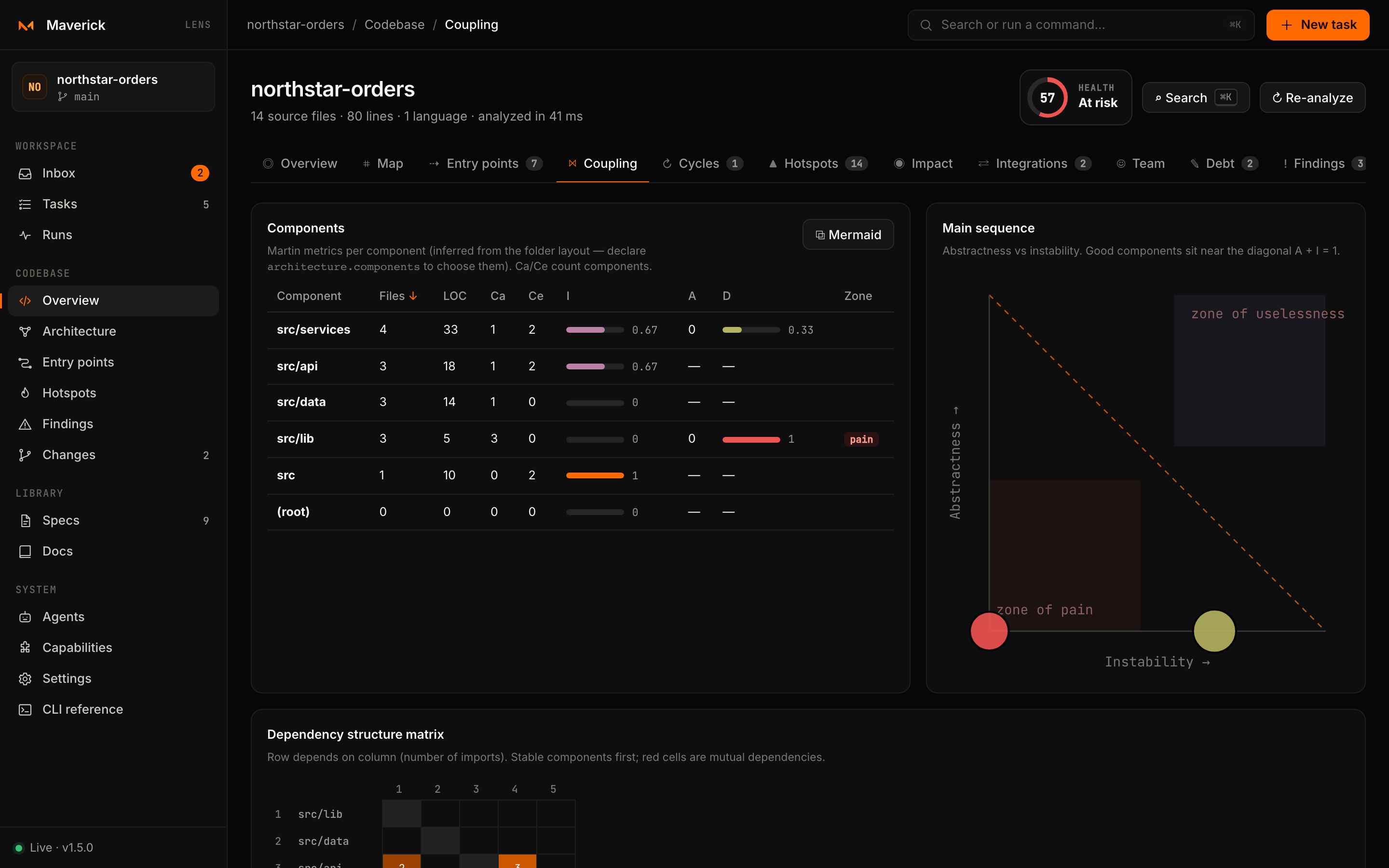
Inbox. Approvals, failing gates and ready subtasks, most urgent first, each with its action beside it.
What Lens is
Lens is a cockpit over files, not a second source of truth. Every view is computed from the repository on disk, and every change Lens makes goes through the same maverick commands you would type in a terminal. Close Lens and nothing is lost; open the task folder and you see exactly what Lens showed.
| Lens is | Lens is not |
|---|---|
A local HTTP server on 127.0.0.1 started by maverick lens | A hosted dashboard, a SaaS or a team server |
A view over .maverick/, your docs, Git and the code | A database: there is no state of its own besides a cache |
| A way to run Maverick commands and agents with one click | A way around the CLI: it runs the same commands with the same checks |
| Read-only towards your code, except through agents you trust | Something that edits code by itself |
| Free of telemetry and outbound requests | Something that uploads project data |
Core ideas
Files are the truth. Task state comes from PRD.md, TECHSPEC.md, subtasks/*.md, flows/*.json and runs/*.jsonl inside the task folder. Lens derives stages, readiness and the Inbox from those files every time the index is rebuilt.
Humans decide. Lens shows what needs a decision and records the one you make — an approval, a rejection with a reason, a subtask marked done. It never approves, merges or ships for you.
One command at a time. Actions are serialized through a single queue, exactly as if you ran them one after another in a terminal, so two buttons can never write the same file at once.
Agents are opt-in. No agent runs until you trust its provider for the repository, and no run can exceed the maximum permission in .maverick/config.json. Every run leaves a transcript.
Local only. Lens binds to loopback, refuses requests whose Host is not local, protects every write with a per-process token and sends nothing to any other host. See the security model.
A map of the workspace
The sidebar groups the views in four sections:
| Section | Views | Read more |
|---|---|---|
| Workspace | Inbox, Tasks, Runs, Loops | Inbox and tasks, The task page, Runs, Loops |
| Codebase | Overview, Architecture, Entry points, Hotspots, Findings, Changes — plus Coupling, Cycles, Impact, Integrations, Team and Debt inside Devtools | Devtools, Library and changes |
| Library | Specs, Docs, Lab | Library and changes |
| System | Agents, Capabilities, Settings, CLI reference | Agents, Capabilities and settings |
Where to go next
Requirements
Lens ships with the @maverick-ai/cli package and needs Node.js 20 or newer. It has no extra dependencies and works in any project Maverick can read, whatever its language. Git is optional; without it the Git-based views are empty.